GPT-Image-2 — Frequently Asked Questions
Learn about pricing, usage, and model comparisons
How do I create beautiful posters with GPT-Image-2?
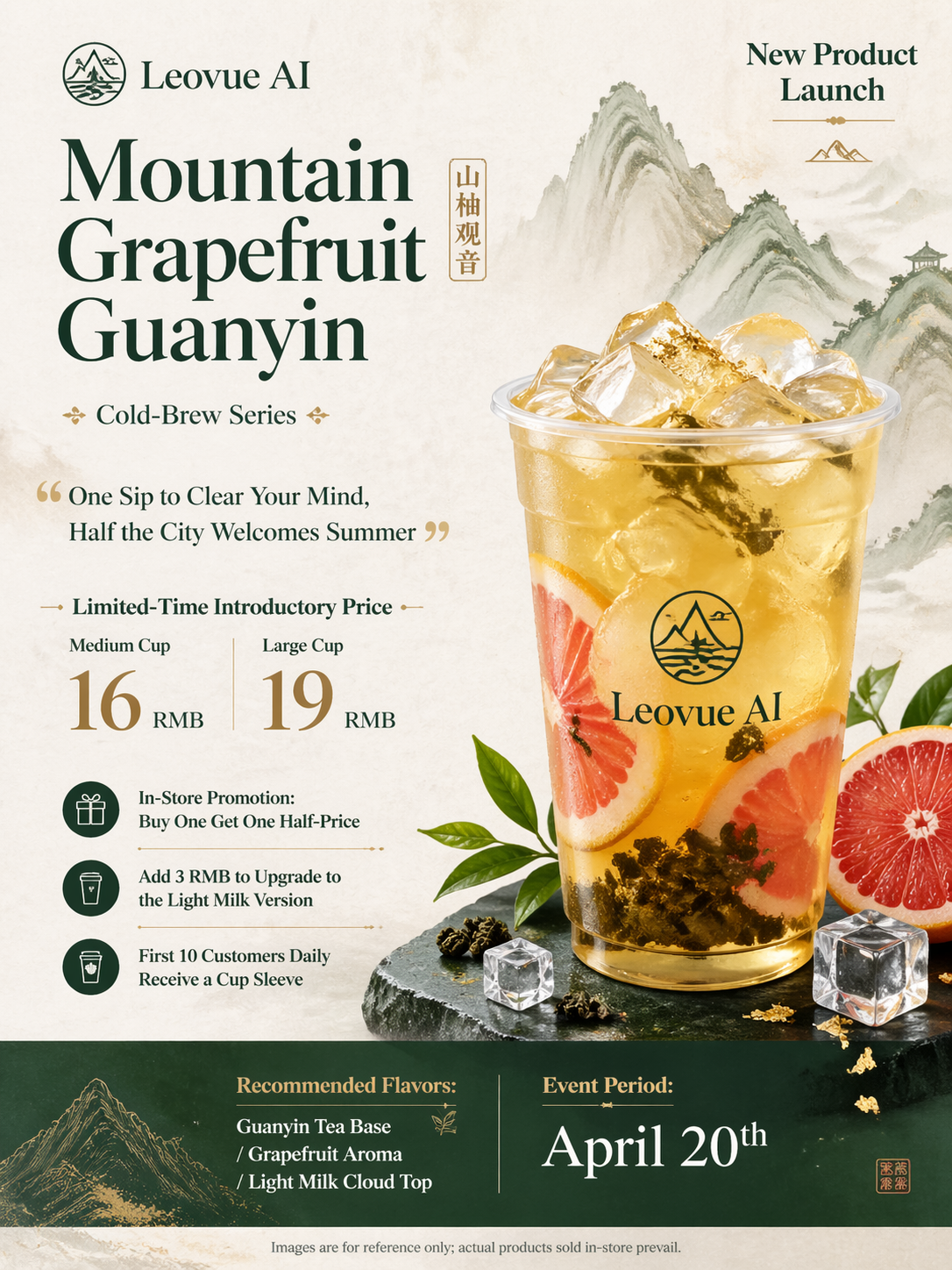
On the Leovue AI GPT-Image-2 page, enter a detailed poster description including style, color palette, text content, and layout requirements, then click Generate. GPT-Image-2 excels at precise text rendering and complex composition, making it ideal for commercial posters, event banners, and social media assets.
Can I try GPT-Image-2 for free?
Yes. Leovue AI provides free credits upon sign-up to try GPT-Image-2. Free users receive 10 credits per day — enough to generate multiple high-quality images. No credit card required; just open your browser and start creating.
Why is Leovue the cheapest GPT-Image-2 model?
Leovue AI offers the most cost-effective access to GPT-Image-2. Compared to the official OpenAI API ($0.08–$0.17 per image), Leovue subscriptions start at just $10/month for 2,000 credits, averaging $0.005 per image — over 90% cheaper.
What is the difference between GPT-Image-2 and DALL-E 3?
GPT-Image-2 surpasses DALL-E 3 in several areas: more accurate multilingual text rendering, more stable complex scene composition, more realistic lighting physics, and better comprehension of long natural-language instructions. It is especially suited for commercial poster design requiring precise typography.
What types of content can GPT-Image-2 create?
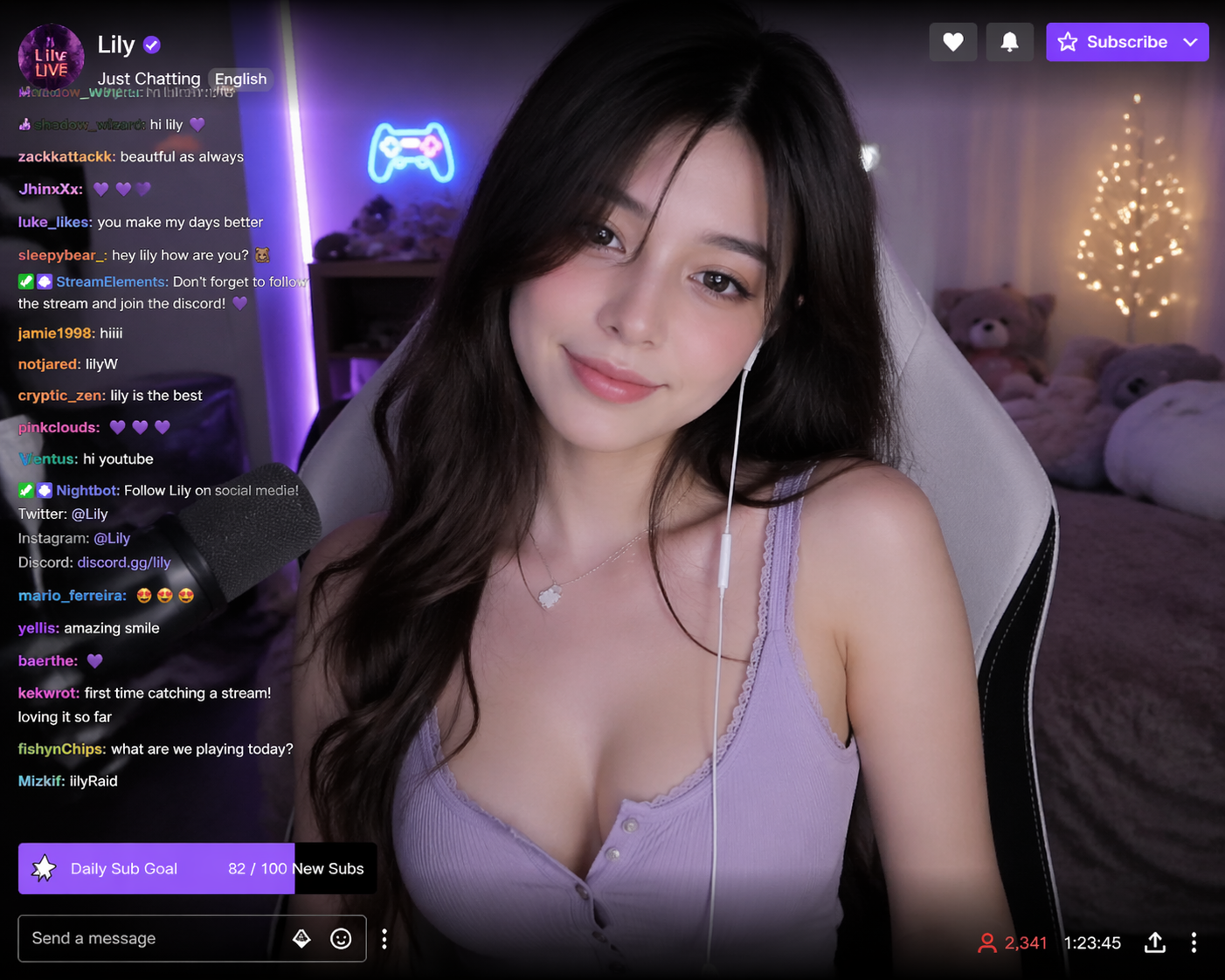
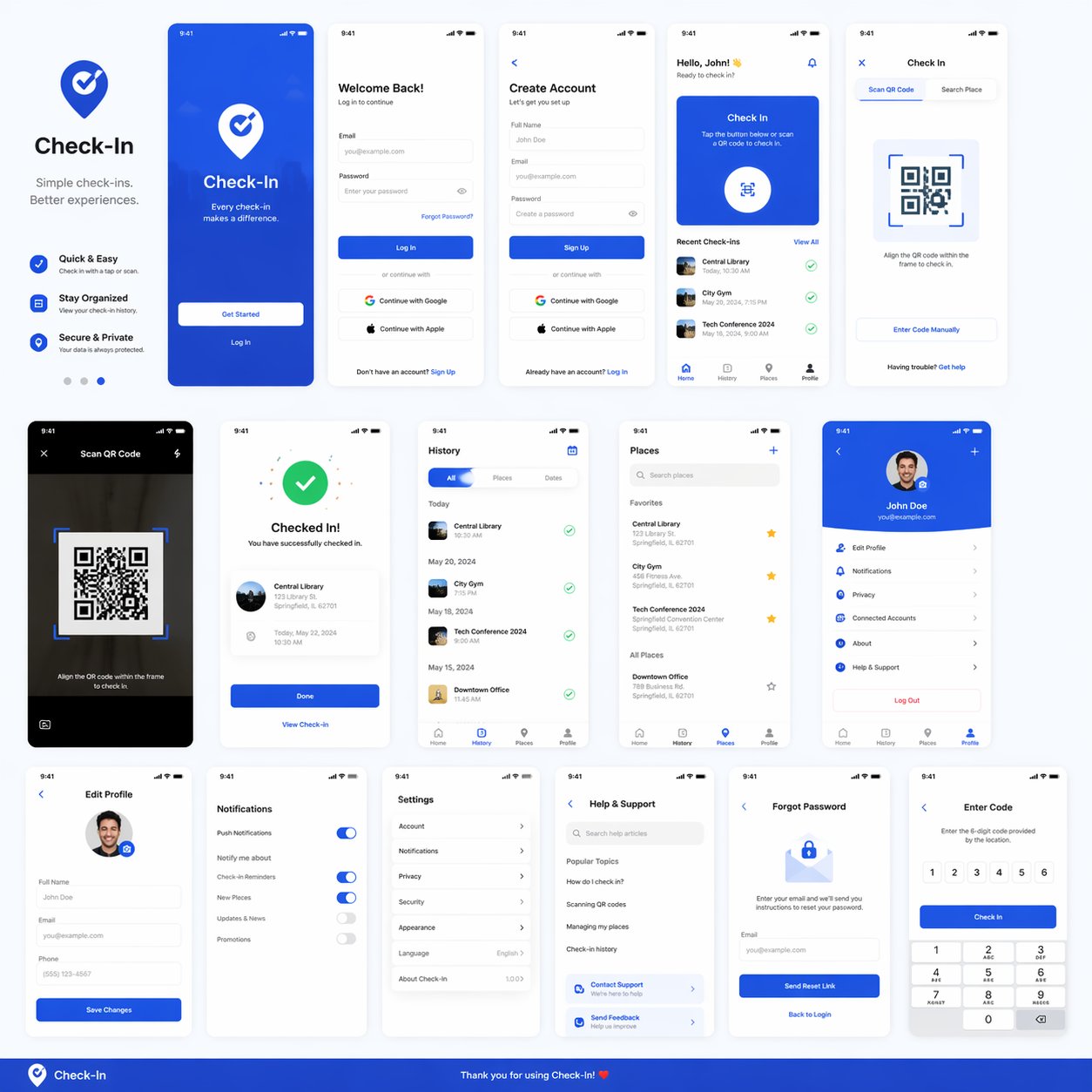
GPT-Image-2 supports a wide range of creative tasks: commercial poster design, product marketing visuals, app UI design, portrait rendering, social media assets, brand identity graphics, illustrations, logo design, and more.
Can I use generated images commercially?
Paid subscribers (Premium or Ultimate plan) may use generated images for commercial purposes, watermark-free and with no additional licensing. Free-plan images include a subtle watermark, which is removed upon upgrading.